
How to clean a wireless charger safely (pad or stand)
Talk · Maintenance · Care, cleaning & lifecycle
How to clean a wireless charger safely (pad or stand)
Unplug it, wipe it with a dry microfibre cloth, treat marks with a barely damp cloth (a little isopropyl alcohol on hard plastic or glass only), remove any metal debris and let it dry before plugging back in.
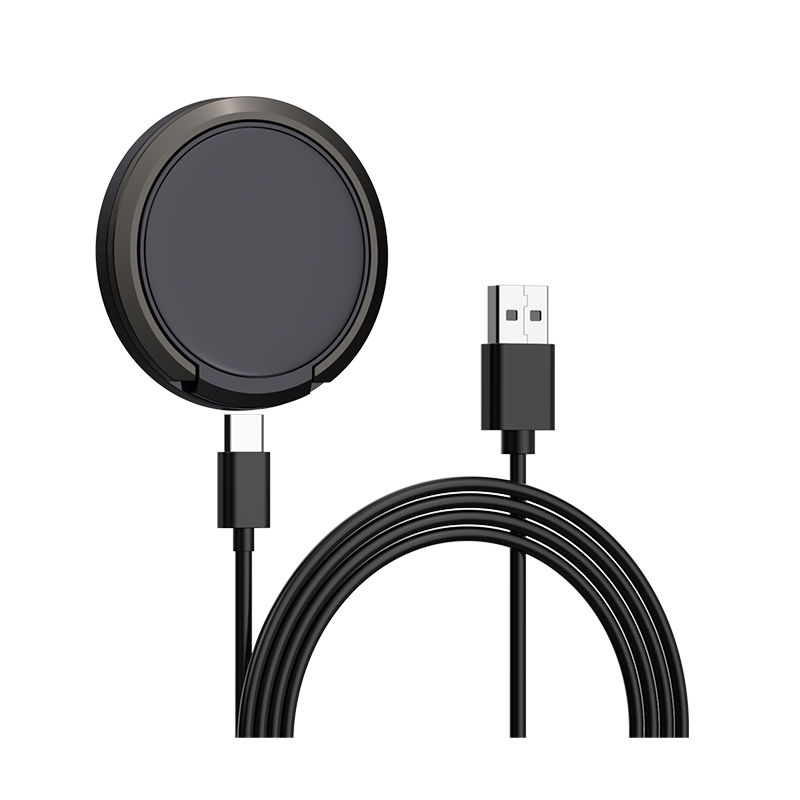
My wireless charging pad is covered in dust, fingerprints and a few sticky marks. How do I clean a wireless charger without damaging it or the coil inside?
Short answer: Unplug the charger, then wipe the charging surface with a dry microfibre cloth. For marks, use a cloth that is barely damp with water; on hard plastic or glass you can use a cloth lightly moistened with isopropyl alcohol. Never spray liquid onto the charger. Pick off any coins, staples or metal dust, let it dry fully and plug it back in.
How to clean a wireless charger in 5 steps
- Unplug it. Disconnect the cable from the wall adapter and the charger, and let a warm charger cool for a few minutes.
- Dry wipe first. A clean, lint-free microfibre cloth removes most dust and fingerprints from the pad or stand.
- Treat marks with a barely damp cloth. Water, or water with a drop of mild soap, is enough for most marks. Wring the cloth out so it does not drip.
- Remove metal debris. Check the surface and the edges for coins, paper clips, staples or fine metal dust. Magnetic chargers pull small steel bits into seams; a piece of tape lifts them out.
- Dry, then reconnect. Wipe with a dry cloth and wait until the surface and the cable port are completely dry before plugging in.
Safe materials and what to avoid
- Safe: microfibre cloth, water, a drop of mild dish soap, and for hard plastic or glass tops, a cloth lightly moistened with isopropyl alcohol (the common household strength is fine). Apply the liquid to the cloth, not the charger.
- Avoid: spraying cleaner directly onto the charger, soaking it, abrasive sponges or powders, bleach, acetone and other strong solvents, and dripping-wet disinfectant wipes.
- Different rules for soft finishes: alcohol can make silicone, rubberised and soft-touch coatings sticky or dull. If your charger feels soft or rubbery, follow our guide on how to clean a silicone or soft-touch wireless charger instead.
The coil area and the charging surface
The coil sits under the surface, so you never need to open the charger or reach the coil itself. Dust and fingerprints do not block charging in a meaningful way. Metal does: most wireless chargers detect metal objects on the pad and reduce power or stop to avoid heating them. If your charger blinks or refuses to charge after you put keys or coins down, see why a wireless charger stops when a coin or key is nearby. For magnetic stands that collect fine metal dust, our note on keeping magnetic chargers free of metal debris goes further.
Ports, cables and lights
Clean the USB-C port on the charger with dry air or a dry, non-metal tool only, never with liquid; the same method as in cleaning charger pins and USB-C ports. Wipe the cable dry while it is unplugged. If your charger has LED strips, ambient lighting or a clock display, the diffuser and display windows scratch easily, so use our maintenance guide for LED-lit wireless chargers for those parts.
How often
At home, clean it when it looks dirty, or about once a month. On shared desks, in hotels and in clinics, a daily dry wipe with the routine above is common practice.
When to stop using it
- The surface is cracked, swollen or melted, or the case has split.
- Liquid got inside and the charger behaves oddly once dry.
- It gets much hotter than usual with nothing metal on it, or smells burnt (see why a wireless charger feels hot to the touch).
- The cable is frayed or the connector is loose.
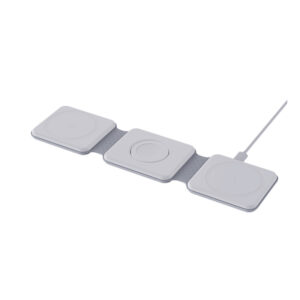
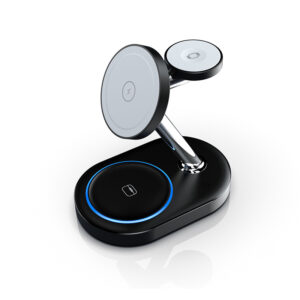
In those cases unplug it and replace it rather than cleaning it. A charger with the same layout, such as the C12 15W magnetic wireless charger or the 3-in-1 15W foldable wireless charger, cleans with the same routine.
Where this answer says to confirm with Wecent, the detail is not published on the product page and has to come from the datasheet or the factory. Everything else is general practice and common industry advice, not a test result for a specific model.
Three more perspectives
Products discussed in this thread
Related articles & topics
- How do you clean a silicone or soft-touch wireless charger?
- How should LED-lit wireless chargers be maintained?
- How do we keep magnetic chargers free of metal debris?
- Why does a wireless charger stop when a coin or key is nearby?
- How should we clean a GaN charger’s pins and USB-C ports safely?
- Why does my wireless charger feel hot to the touch?
- Wireless Charger Foreign Object Detection: Specifying the Behaviour
Have a sourcing question about your own programme?